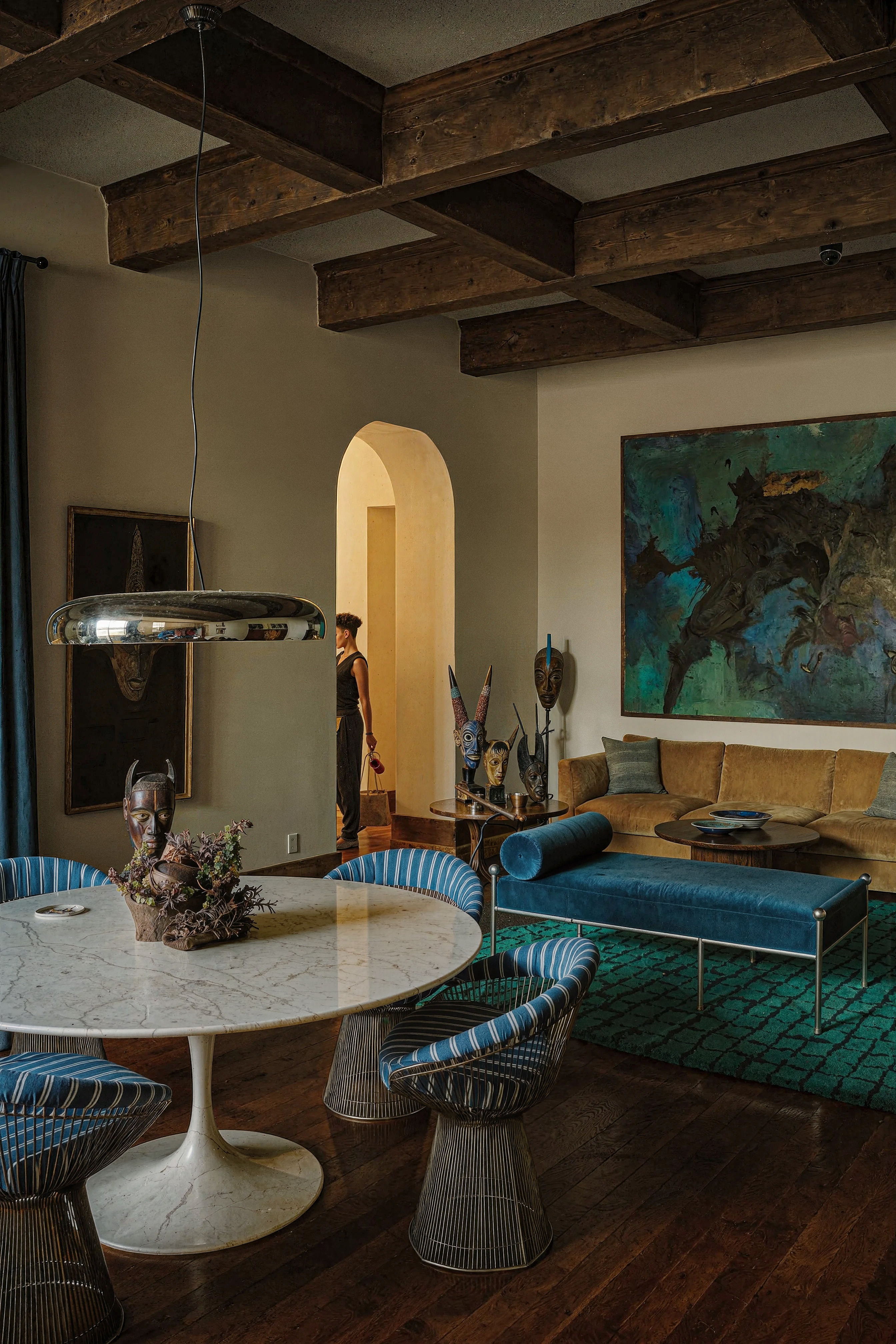
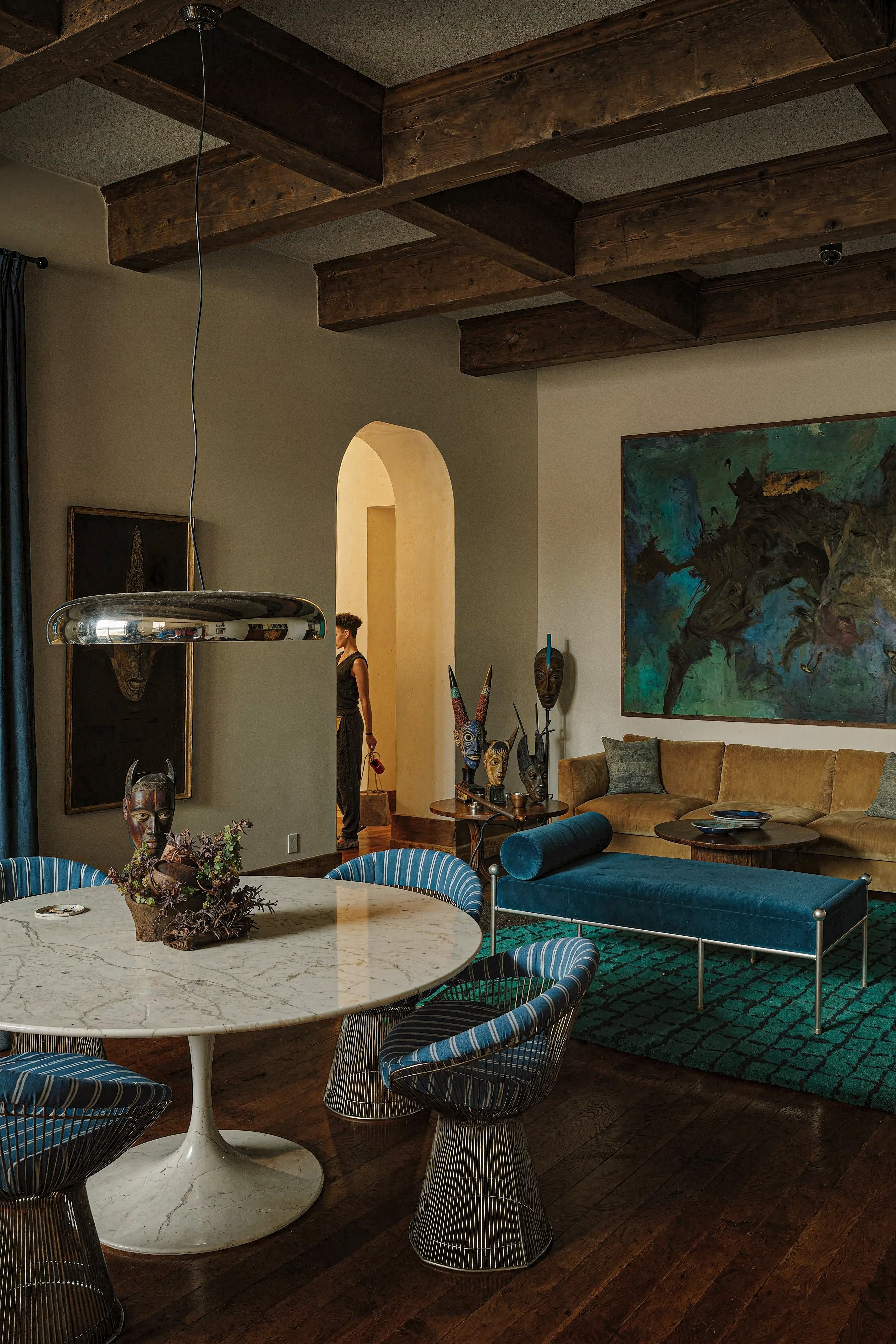
Aladamus Accent Relighting
This tool changes the light and shadow pattern and the angle of light incidence on the main compositional objects, thereby increasing the level of image impact.
You can also manually specify the elements in which the light and shadow pattern will be forcibly changed — use the Application zone.
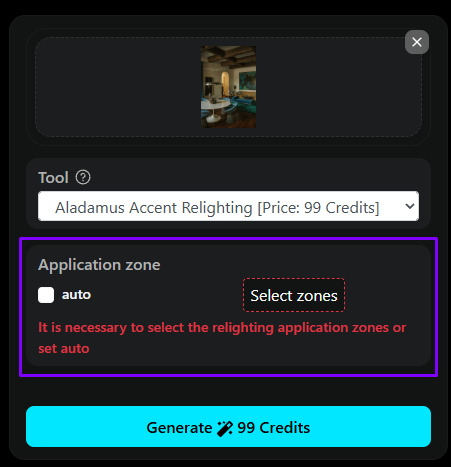
1. Turn off Auto
In the Application zone block, uncheck the Auto checkbox — it is responsible for automatically detecting
Aladamus Accent Relighting zones. Once Auto is turned off, the zone selection button becomes active.
2. Click Select zones
Click the Select zones button — the area editor window will open.
3. Select areas
In the window that opens, use the left mouse button to draw around the image elements to which
Aladamus Accent Relighting should be applied.
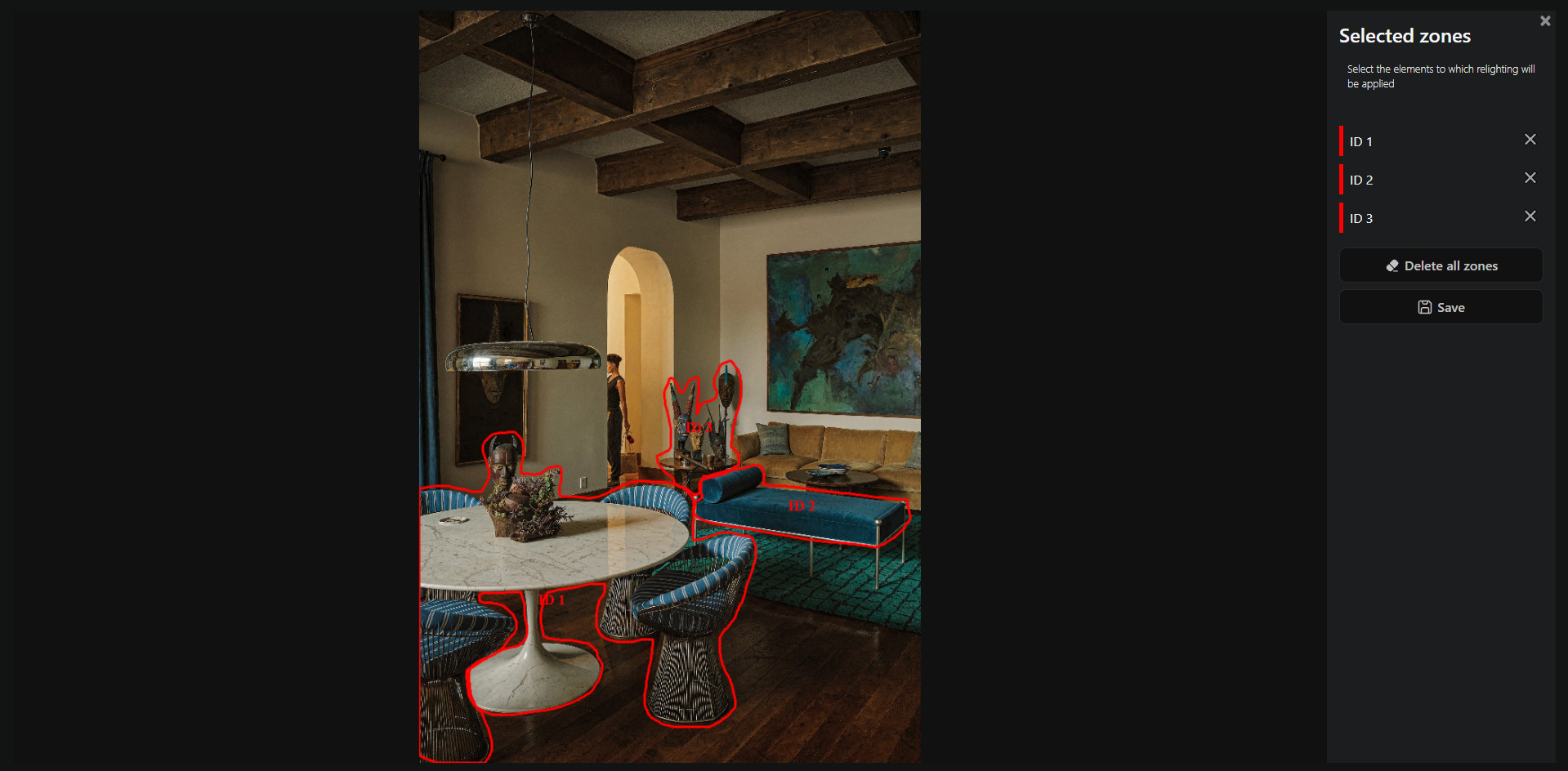
4. Save the selection
Click Save — the editor will save the zone map and close the window.
Price
99 Credits
Examples